
What a normal battery life looks like
A key fob battery is small, usually a flat lithium coin cell. In everyday use it can last many months to a couple of years, depending on the fob. Remote-only fobs use power only when you press a button. Smart fobs listen for the car more often, so they tend to use more.
There is no single number that fits every vehicle, so the useful question is not how long a battery should last, but whether this battery is lasting much less than the last one. A sudden change in lifespan is the clue.
Heavy use shortens life naturally. If you press the buttons dozens of times a day, or the fob sits in range of the car all night, the battery will tire sooner than it would for a driver who parks away from the vehicle.
Start with the battery you are using
Many battery problems are really battery quality problems. Coin cells come in many brands, and some old stock on a store shelf has already lost much of its charge. A cell that tested fine in the package may be weak by the time you install it.
Check that the replacement matches the number printed on the old one. A similar looking cell with a different thickness or voltage can fit loosely, make poor contact and drain unevenly. Install it with the correct side up and make sure it sits flat in the holder.
Avoid touching the flat faces with bare fingers. Skin oils can create a thin film that increases resistance. Hold the cell by the edges, wipe it with a clean dry cloth if needed, and snap the case closed firmly so the contacts press properly.
- Match the number printed on the old cell exactly.
- Buy from a seller with good turnover, not a dusty rack.
- Install it the right way up with a firm, flat fit.
- Check the date on the package when you can.
Contacts, corrosion and moisture
If the battery is fresh but still dies too soon, look at the metal contacts that touch it. Green or white residue, rust or a bent tab can create resistance and a small constant leak. Moisture inside a fob, even a trace, can allow a slow current to flow across the board.
Open the fob gently and look. Clean light corrosion with a dry soft brush or a cotton swab slightly moistened with isopropyl alcohol, then let it dry fully. Do not scrape the board or bend the contacts back and forth.
A fob that has been through the wash, dropped in water or carried in a damp pocket often develops this kind of trouble. If there is heavy corrosion, treat the fob as a replacement candidate, because internal damage may keep growing.
Buttons pressed in your pocket
A button that is partly pressed all the time drains the battery steadily. This can happen when the fob is squeezed in a tight pocket, pressed against keys, or wedged under a heavy bag. The fob may even transmit repeatedly while it sits there.
Check the rubber button pads for sticking, swelling or a worn cover that rests on the switch. A fob case that has warped from heat can press on the switch continuously.
If you carry the fob loose with other metal, try a small pouch or a separate pocket for a week and see whether life improves. Some drivers also use a protective cover that raises the buttons slightly, but fit the cover carefully so it does not press the switches.
Smart fobs that never go to sleep
A proximity fob listens for the signal from the car. Many fobs have a sleep mode that quiets them when they have not moved for a while. If the fob keeps waking up, because it sits on a hook by the entry or on a dresser in range of the parked car, the battery works harder.
Parking close to where you keep the fob overnight can keep the exchange active between the car's antennas and the fob. In those cases moving the fob farther from the vehicle, or keeping it in a spot away from the door, can extend battery life noticeably.
Some drivers also store the fob in a signal blocking pouch at night for theft protection. That helps with relay attacks, and it may also reduce unnecessary chatter between the fob and the car.
Does the fob have a sleep feature?
Your owner's manual may describe a power saving feature, sometimes activated by a particular button sequence. If it exists, it is worth knowing.
Heat, cold and age
Coin cells dislike extremes. A fob left on a dashboard in summer sees temperatures that shorten battery life and can warp the case. A fob left in a freezing car loses capacity temporarily and may stop working until warmed.
Age matters too. An older fob has more wear on the contacts and its internal parts may draw more current as components degrade. A fob that is ten or fifteen years old and keeps draining batteries may simply have reached the end of its life.
Keep the fob in a stable temperature when you can. Do not leave it in a hot parked car, and keep it out of the glove box in extreme weather. These habits cost nothing and make the battery last longer.
When the car is the one draining the fob
In rare cases, the vehicle itself keeps the fob busy. If the car's receiver is faulty, or an antenna module is stuck sending a constant challenge, the fob may answer more often than it should. Signs include a fob that gets warm, a vehicle that behaves oddly with doors, or a car battery that also drains overnight.
If your vehicle battery is also dying while parked, the problem may be larger than the fob. A technician or mechanic can check for parasitic draw. A fob battery that dies early on one car but lasts on another suggests the fob is not the culprit.
This is not common, but it is worth noting if you have swapped batteries repeatedly and tested the fob against the other tips on this page without improvement.
Warning signs before the fob stops
Fobs rarely die without hints. The first sign is usually range. You walk up to the car and nothing happens until you are a few feet away. Next, the remote may need two or three presses. On smart keys the car may take longer to unlock when you pull the handle, or the dash may show a low key battery message.
Pay attention to these signs, because they tell you the battery is close to done. They also help you compare cells. If the warning signs show up a few weeks after a swap, you have a drain. If they show up after a year or more, that is simply the cell wearing out.
Some fobs have a tiny indicator light that blinks when a button is pressed. A weak or absent blink suggests a poor battery or a poor contact.
- Shorter range than before.
- Needing multiple presses on the remote.
- Slow or delayed unlocking at the door handle.
- A dash message about low key battery.
- A dim or missing indicator light on the fob.
Different fob styles, different habits
A basic remote with a metal key attached behaves differently from a flip key, and both differ from a smart key. Understanding which you have helps you set the right expectations for battery life and fix the right thing.
Remote head and flip keys
These combine a key blade with buttons. The battery is used when you press a button, so long life is normal if the fob rests in a drawer or a pocket without pressure. Damaged buttons or a bent flip hinge can keep the switch partly pressed.
Smart or proximity fobs
These exchange signals with the car even without button presses, so they use power more steadily. The backup blade inside is only for emergencies. A smart fob that lives close to the car all night can run through cells faster than a basic remote.
Older fobs with separate remotes
Some older systems use a separate remote that is not tied to the ignition key. Those remotes may be decades old, with worn rubber and tired electronics. When one keeps eating batteries, replacement is usually the sensible choice.
Reading the signs without special tools
You do not need a meter to learn something about a fob. Press a button while watching the indicator light. Press it again from a few steps away and again from farther. If the range is clearly short, test with a spare cell of the correct number from a different package.
If you have a multimeter and are comfortable using it, a fresh cell should read close to its rated voltage, and the value should hold steady when the fob is working. Do not measure by shorting the cell with the probes, and do not leave a cell sitting on metal.
If your tests point to the fob, not the battery, your next step is a technician or a replacement. If they point to the battery, your next step is a better cell and a drier, cleaner storage place. Either way, a bit of method beats repeated trial and error. Keep a small note in your phone with the battery number, the date of each change and the symptom you saw. Over a year or two that record turns a vague feeling into a clear pattern, and it is exactly the kind of information a technician finds useful when you call.
Handling and disposing of coin cells responsibly
Coin cells are small, but they deserve respect. Keep new and used cells away from children and pets, since swallowing one is a medical emergency. If that happens, call 911 or your local emergency number at once.
Store spare cells in their original packaging, away from metal objects and heat. Do not carry loose cells in a pocket with keys or coins, where contact can short them and drain them before you use them.
Used cells should go to a proper battery recycling drop off, not the household trash. Many stores that sell batteries accept them. A little care here protects people and the environment.
A simple testing routine
Testing is easier than guessing. Pick one change at a time and give it enough days to prove itself. Write down the date you install each new battery and what you changed.
- Install a fresh, correctly matched cell and note the date.
- Keep the fob away from the car overnight, in a spot with no other transmitters nearby.
- Do not carry it in a pocket with keys or coins for the trial period.
- Check that the buttons do not stick and that the case closes flat.
- After a week, notice whether the range or the dash behavior has changed.
- If the battery fails again very soon, move on to cleaning contacts or trying a spare fob.
What a mobile technician can do
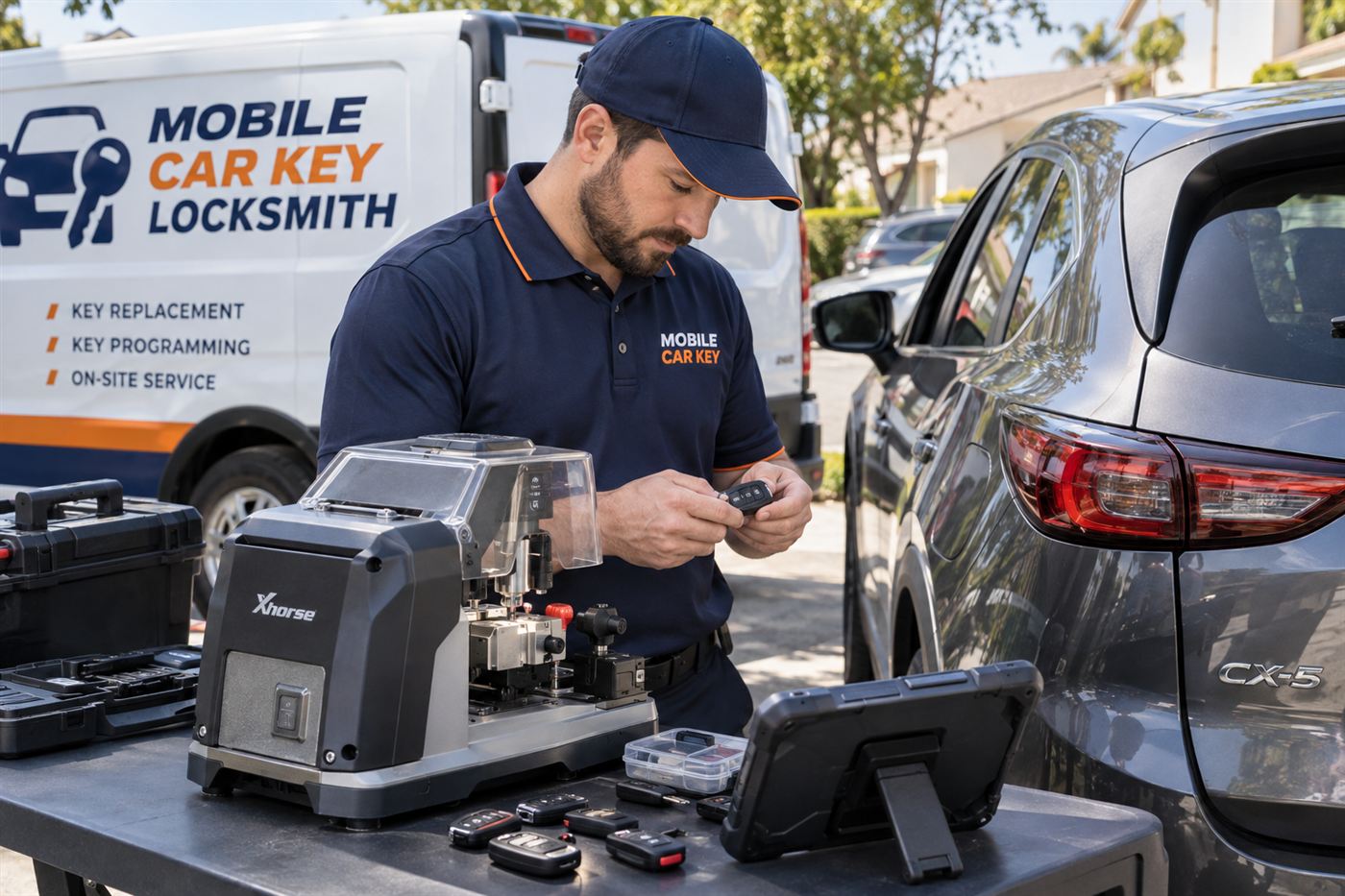
A mobile automotive locksmith comes to the vehicle and can examine the fob where the problem shows. You start by calling or sending a callback request. The service asks for the year, make and model, where the vehicle is, and what you have noticed about the battery.
Availability, coverage and terms are confirmed before a technician is dispatched. This page is educational and does not create a service agreement. On site, ownership or authorization is checked first.
The technician can test the fob with proper equipment, clean or repair contacts where practical, replace the battery with the correct cell, and tell you whether the fob is reliable. If the fob has reached the end of its life, a replacement can be cut, if the key has a blade, and programmed to the vehicle. Limits depend on the vehicle, and some newer models need dealer-level tools or manufacturer access. Our key fob programming page explains the general process.
Replacing the fob instead of the battery
Sometimes the honest answer is that the fob is finished. If it drains batteries within days, shows corrosion, has cracked solder or fails random buttons, a new battery will not repair it. Replacing the fob costs more than a battery, yet it ends the cycle of stranded mornings.
A replacement fob must be matched to the car. That means programming, and on many vehicles it means adding the new fob to the list of fobs the car accepts. If you only have one fob left, the job can be more complex than if you still have a working spare, so do not wait until the last one dies.
Our pages on remote and proximity fobs and car key replacement explain the options. A spare key plan can help you stay ahead of a failing fob.
Ownership proof and what to bring
Programming a fob changes who can open and start your vehicle, so a reputable service asks for proof that you own it or are authorized to use it. Bring identification and a registration or title. If the car is leased, rented or owned by a company, bring a document that shows your right to use it.
The check is done on site before the work begins. It protects you, because it stops another person from adding a fob to your car. Our ownership proof guide explains what is typically accepted.
If you cannot show any proof, a responsible service may decline to continue. That is by design.
Planning for the day the battery dies anyway
Even good habits cannot prevent every dead battery. Learn the backup start spot now, locate the mechanical key blade, and keep a spare coin cell of the right type somewhere reachable, such as a drawer at the office. A two minute swap can save an hour of stress.
Know what your dash says when the battery is low. Many vehicles show a key battery low message before the fob dies. Treat that message as a deadline, not a suggestion. If you travel often, carry the spare cell in your bag rather than the glove box, since a fob that dies at an airport rental lot or a trailhead is much harder to deal with than one that dies in your own driveway.
For other problems with fobs and smart keys, see smart key says key not detected and the situations hub. If a child or pet is locked in a hot car, call 911 first.
Common questions
How long should a key fob battery last?
It varies by fob and use. Many last from several months to a couple of years. The better question is whether your current battery is lasting much less than the last one, since a sudden drop in life suggests a drain, a poor cell or a fob fault.
Why does my new fob battery die in a few weeks?
Common causes are a low-quality or mismatched cell, corroded contacts, a button held down in your pocket, or a fob that stays awake near the car. Testing one change at a time helps identify the cause.
Can the car drain the fob battery?
Rarely. A faulty receiver or antenna module could make the fob respond more than usual. If your car battery also drains while parked, ask a technician or mechanic to check for a larger electrical problem.
Is it better to replace the fob than keep changing batteries?
If the fob drains batteries in days, has corrosion or randomly fails buttons, replacement is often more practical. A replacement needs to be matched to the car, and limits depend on the vehicle.
Should I keep my fob in a signal blocking pouch?
A pouch can reduce unnecessary signal exchange and add theft protection for some smart keys. It does not fix a damaged fob. Make sure the fob still works normally when you remove it from the pouch.
What do I tell the service when I call?
Give the year, make and model, how long each battery lasts, whether the fob has been wet or dropped, and whether you have a spare. Availability, coverage and terms are confirmed before dispatch.