
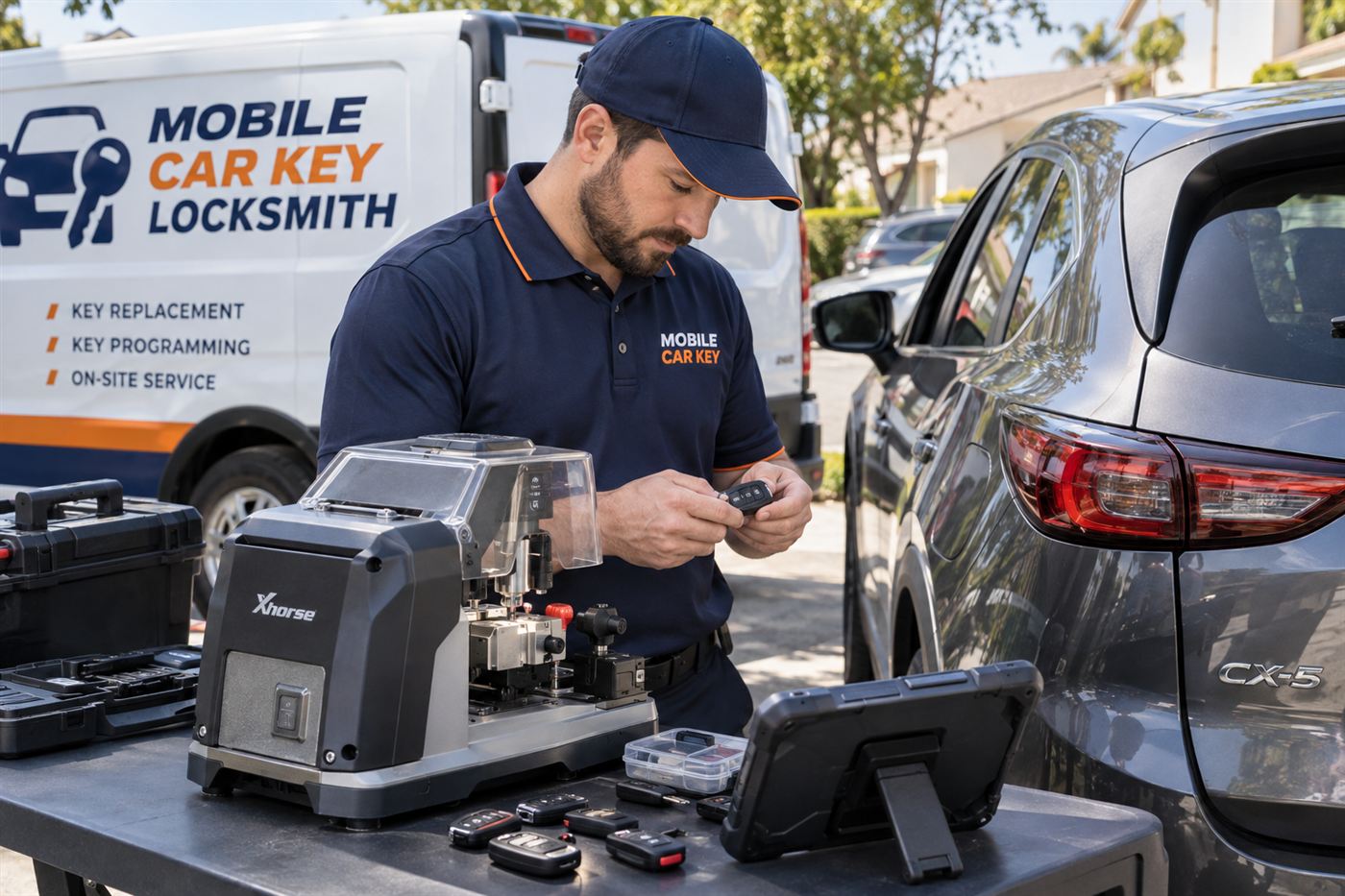
A key system unlike most other cars
Most cars still ask you to insert something or at least carry something you can see and touch. A Tesla changes the habit. Many owners walk up to the car with a phone in a pocket, step inside, press the brake and drive away, never taking out anything resembling a traditional key.
That design is a large part of the appeal, and it also changes what a key problem looks like. If a phone dies, an app signs out or a key card goes missing, the usual answer is not a blade cut at a curb. The system is built around accounts, secure pairing and software.
This page is general information. Tesla has built several models over several years, and details vary by model and by software, so nothing here is a promise about your particular vehicle and nothing here is a service agreement. Availability, coverage and terms are confirmed with you before dispatch.
If you want to see how other brands compare, the car makes overview lists the other make pages.
It also helps to separate two ideas that often get tangled. One is the key as a way to get in and drive. The other is the key as a record, a line in the car's list of trusted devices. On a Tesla the second idea matters more than on most cars, because adding or removing keys is a matter of that list.
The ways a Tesla can be opened and started
Depending on the model and the year of the car, a Tesla owner may use one or more of several methods. A phone with the manufacturer's app can act as a key. A key card, shaped like a credit card, can be tapped on the center console or near a door pillar. A small fob is available for some models.
These methods are meant to work together. Many owners use the phone for daily driving, keep the card in a wallet as a backup and store the fob for situations where a phone is unreliable. A well-prepared owner has at least two methods available at any time.
Which methods your car supports depends on the model and year. The owner's manual and the in-car screen list what is paired. Look there before you call, because it tells you exactly what the car already trusts.
Because the methods are electronic, they also depend on settings. A phone key can be turned off, a PIN can be required and a card can be removed. If something suddenly stopped working after a software update or a settings change, mention it. The cause may be a setting rather than a broken key.
Newer and older Teslas also differ in where the card must be placed and in how the fob works. Do not assume that instructions written for one model apply to another. Check the manual for your own.
- A phone with the manufacturer's app
- A key card tapped on the car
- A small key fob on some models
- A PIN to drive, if you have enabled that feature
What a locksmith can and cannot do with a Tesla
This is the most important section on the page, so it is worth being direct. Because the Tesla key system is tied to the manufacturer's software and accounts, a mobile automotive locksmith often cannot create a new key for a Tesla in the way they would for a traditional car. Many key functions run through the manufacturer's own service channels.
That does not make a locksmith useless. A technician may be able to help with some entry situations, advise on what to try, or help you decide between the manufacturer's service route and a tow. A reputable provider will tell you what is possible for your vehicle before anyone is dispatched.
Be wary of any service that claims it can make a new Tesla key without limits or without ownership checks. The system is designed to resist that, and an honest provider admits it. Availability, coverage and terms are always confirmed before a visit.
For comparison, other electric and luxury makes sometimes offer more flexibility for third-party key work, though limits depend on the vehicle everywhere. You can see how that plays out on pages such as BMW keys and Genesis keys, which describe brands with their own dealer-level requirements.
The phone is dead or the app will not open
A phone key fails for ordinary reasons: a dead battery, a software update, a poor Bluetooth connection or a signed-out account. If you can recharge the phone or borrow a charger, that is the first step. Then open the app and check that you are signed in.
If the phone connects but the car does not unlock, move closer to the driver door and try again. Metal, thick cases and nearby interference can weaken the connection. Toggling the phone's Bluetooth off and on sometimes restores the link.
If none of this works, use the backup method you set up earlier, such as the key card. Owners who have never tested the card should do so before an emergency. The card has to be tapped in the correct spot to be read.
If you share the car with a partner, each person should have their own phone paired, not a shared one. Sharing a single phone creates a single point of failure and makes it harder to figure out who has access. A pairing process for the second driver takes a short time at the car and saves many headaches.
Using the key card correctly
The key card is a thin plastic card with an electronic element inside. To open the car, you hold it against the designated spot on the door pillar, and to start the car you place it in a spot on the center console, then press the brake. The exact locations depend on the model.
Many drivers treat the card as an afterthought and keep it in a drawer. That is understandable, but a card in a drawer across town does not help a driver stuck in a parking lot. Keep it in your wallet or in a place you can reach without the car.
If your card is lost, the car may allow you to remove it from its list of trusted keys once you have another way in, and many owners do that for security. Check the in-car settings or the app for the list of keys the car trusts.
Some owners also attach the card to a wallet with a thin case. That is fine, but avoid bending it or leaving it near strong magnets, which can interfere with some electronic elements. If the card starts to fail, replace it before it stops completely.
Locked out of a Tesla
A lockout can be more complicated than with a traditional car, because the door handles, the windows and the electronics all behave differently. In general, the safest first move is to try every method you have: the phone, the card and any fob.
If you are certain that no method works, call for guidance before you try anything physical. Forcing a door or window on any vehicle can cause damage, and modern door and window systems are not forgiving. A technician can explain the options for your specific model.
If a child or pet is inside a closed car, call 911 first. That is an emergency, and emergency responders will decide how to open the car. For ordinary lockouts, the vehicle lockouts page explains the general approach technicians take.
A reminder for winter drivers: cold weather can make door handles stiff and phones drain sooner than expected. Keep the phone warm and charged, and do not yank a handle that does not move. If the doors have iced shut, use a product made for that, or wait for warmth, rather than forcing anything.
The 12-volt battery question
Electric vehicles carry a large traction battery and a smaller low-voltage battery that powers the electronics and the locks. If the low-voltage battery is weak, the car may fail to wake up, doors may not respond to the phone, and the key system can seem broken even though the keys are fine.
If your Tesla has been parked for a long time, or has shown warnings about the low-voltage battery, tell the person you call. The problem may be power, not the key, and the fix is different. The manufacturer's roadside channel is often the right place for this issue.
This is a case where a key technician might not be the right first call. An honest provider will say so, and that honesty saves you time. The electric vehicles page covers similar issues across brands.
Many owners ask whether a tow is needed when the car will not wake. It depends. If the car is parked somewhere secure and accessible, a manufacturer roadside service may be able to help on site. If it is blocking traffic or a garage, a tow becomes more practical. Describe the location when you call.
When you lose the card, the fob or the phone
Losing a phone key is a security event as well as an inconvenience. Sign out of the account from another device if you can, and change the password. Then remove the lost phone from the car's list of keys once you have regained access.
Losing a key card or fob is similar. If the car still recognizes other keys, use one to enter the settings and remove the lost one. Then arrange for a replacement through the manufacturer. A replacement card or fob must be paired to the car with the right authorization.
If you have lost every method of access, the situation is the hardest. You will need to prove ownership, and the manufacturer's service route is likely the path. A mobile locksmith may help with entry questions but should not promise to create new keys.
If the phone was stolen along with a wallet or bag, treat the situation as a security issue first. Contact your carrier, sign out of accounts and report the theft where appropriate. Then, if the car is nearby, consider whether anyone else has the ability to move it. Removing the stolen phone key is the key step.
Ownership proof for a Tesla
Whoever helps you with a Tesla key problem will ask for proof that the car is yours or that you are authorized to use it. Expect to show a registration or title, a lease or purchase document, and a photo identification that matches. The manufacturer's channel may also use account information.
If the car is leased or owned by a company, the registered owner might be a financing company or an employer. Bring the lease agreement or a letter that shows your authority. The more complete your documents, the fewer delays you will have.
The ownership proof guide explains common documents in plain language.
The technician may take notes on documents as part of the check. Keep your own copies. Do not hand over originals you cannot replace. If a company requires a letter on letterhead, ask for it ahead of time, since a rushed request may not be possible at an inconvenient hour.
Used Teslas and keys you do not know
Buying a used Tesla adds a question that does not exist with older cars: whose accounts and keys does the car still trust? Before you buy, ask the seller to remove the car from their account and to show you every key method that exists.
Ask how many key cards come with the car. A used Tesla with no key card is a car that will need attention soon. Ask to see the list of trusted keys in the car's settings, and if the seller's phone is on it, make sure it is removed at the sale.
Never accept a car where the seller says they will remove their access later. Do it together. The used car keys guide lists other questions to ask.
Mileage and condition matter less on a Tesla than the history of the car's accounts. A used car with a long history of different owners may have several phones listed as keys. Cleaning up that list is a wise first step after purchase, and it should be part of the sale.
Planning your backups
The strongest plan for a Tesla is redundancy. Use the phone as your daily key, keep the card in your wallet and store any fob in a known place. Test the card once a month. Know how to open the car with the card before you need to.
Consider adding a PIN to drive if your car offers it. It is not a key, but it is a layer that prevents the car from being driven away even when the key method is present. Read the manual for how it works and how to reset it.
Share a clear plan with family drivers. Each person who drives the car should have a defined way to get in. The spare key guide has useful general habits.
Do not leave the only card inside the car. A card left on the console is a card that anyone with access to the car can use. If you want to keep one in the car for emergencies, think about the security trade-off and about the days you park in public places.
When a mobile visit fits a Tesla
You call or send a callback request. The service asks about the vehicle, the location and what happened. Availability, coverage and terms are confirmed before dispatch. If a technician can help with your situation, one is sent to the vehicle.
On arrival, the technician checks ownership, assesses the situation and explains what is possible. They will not promise something the car does not allow. If the most sensible next step is the manufacturer's service, they will say so.
The process is the same in every state, which is why the service is nationwide. The how it works page explains the general sequence.
Some situations are simply better handled by the manufacturer. A technician who tells you that is saving you time. Think of the mobile visit as one of several paths, not the only one, and ask what the technician recommends for your situation.
What to try before calling about a Tesla
Try every key method you have: phone, card and fob. Charge the phone. Check the app for sign-in. If you have a second phone or a second driver, try that. Confirm that the car is not simply waking slowly.
Gather the registration and a photo identification. Note the model and year and your exact location. Write down any message the screen shows, if you can see it.
When you are ready, ask for a callback through the contact page. Nothing is booked until availability and terms are confirmed, and if anyone is in danger, call 911 first.
Take a breath before you start. Most Tesla key problems turn out to be phone, battery or settings issues, not a complete loss. A few minutes of calm checking often solves the problem or at least gives the person on the phone the information they need.
Common questions
Can a mobile locksmith make a new Tesla key?
Often not in the way they would for a traditional car, because the Tesla key system is tied to manufacturer software and accounts. Some situations may allow limited help, and a reputable provider will tell you what is possible for your vehicle before dispatch. For many key tasks the manufacturer's service route is the practical answer.
What if my phone key stops working?
Recharge the phone, confirm you are signed in to the app and move closer to the driver door. Toggling Bluetooth can help. If it still fails, use your backup, such as the key card. Owners who have never tested their card should do so, since the card has to be tapped in a specific spot to be read.
Does my Tesla have a key slot or ignition?
No traditional ignition slot is used. You enter with a phone, card or fob, press the brake and drive. Because there is nothing to insert, a lost key means access depends on other methods already paired to the car. Check your owner's manual or the car's screen for the methods that your model supports. Always check the manual for your own model.
I lost my Tesla key card. What should I do?
If another method still works, use it to open the car's settings and remove the lost card from the list of trusted keys, then arrange a replacement through the manufacturer. If you have no other way in, proof of ownership is required, and the manufacturer's service route is typically the path forward for you. Keep a record of the change you make.
Is a used Tesla harder to buy because of the keys?
It adds a few checks. Ask the seller to remove the car from their account, confirm how many key cards come with it and look at the trusted key list in the settings together. Make sure the seller's phone is removed at the sale rather than promising to do it later on. Photos of documents on a phone are a good start.
What if a child or pet is locked inside my Tesla?
Call 911 first. A closed car heats up faster than most people expect, and emergency responders will decide how to open it. Do not wait for a locksmith. After everyone is out and well, you can work on the key or access problem with whatever help is appropriate for your vehicle and model. Heat and cold both make this urgent.